

Appearance
Connecting Shopify
Crosslist connects to Shopify through Shopify's official API, by installing the Crosslist app in your store. No Chrome extension needed.
Before you start
Before you can use Crosslist with Shopify, you need a Shopify store and a login with permission to manage and install apps.
How to connect
- Go to Account > Marketplaces.
- Next to Shopify, click Connect your Shopify account.
- Crosslist redirects you to the Shopify App Store. Click the Install button.
- If you are not logged in to Shopify, log in first. If you have multiple stores, select the store you want to connect.
- You should now see the Shopify authorization screen.
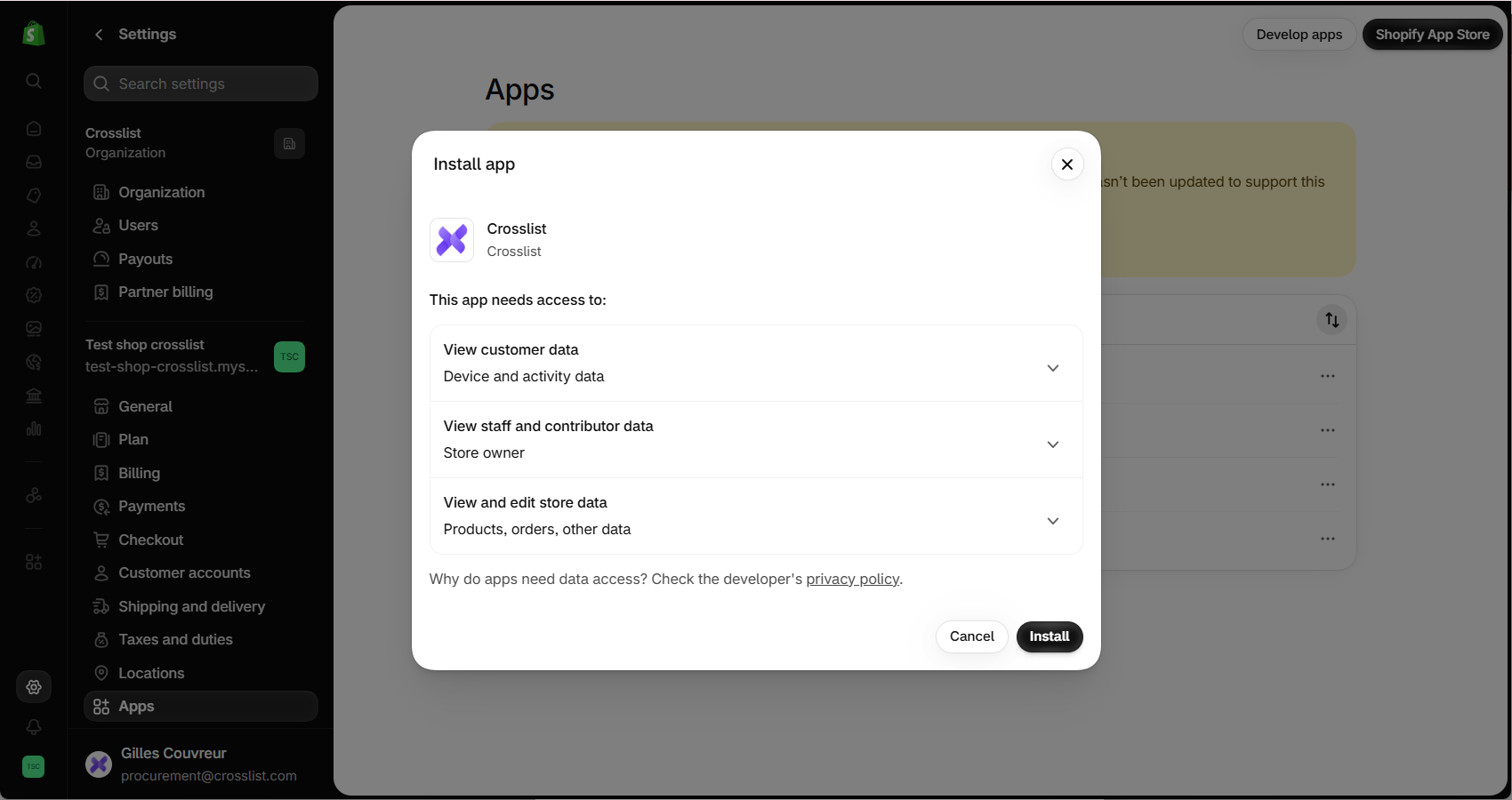
- Review the permissions and click Install. Your Shopify account is now connected and you will be redirected to Crosslist automatically.
Common issues and fixes
I can't install the Crosslist app in Shopify
Your Shopify login doesn't have permission to install apps.
Log in as the store owner, or ask the owner to give your staff account permission to manage and install apps. Then connect again.
Shopify asks for additional permissions
Crosslist needs access to something new in your store. Click the link in the message, approve the new permissions in Shopify, then try again.
Shopify says I have no inventory location
Add a location under Settings > Locations in your Shopify admin, then post again.
I connected the wrong store
- Go to Account > Marketplaces and click Disconnect next to Shopify.
- Click Connect your Shopify account again.
- Select the correct store from the list and click Install.