

Appearance
Connecting OfferUp
Crosslist connects to OfferUp through the Crosslist Chrome extension on computer, or on mobile by logging in to your OfferUp account.
WARNING
On mobile, logging in to OfferUp with Google, Facebook or Apple is not supported. Log in with your email and password instead.
Don't have a password for OfferUp yet? Set one first:
- Log in to OfferUp the way you usually do and go to your OfferUp account settings.
- Under Account, click Edit next to Password and set a password.
- Return to the Crosslist app and log in to OfferUp with your email and new password.
Before you start
Before you can use Crosslist with OfferUp, you need a verified mobile number on your OfferUp account. Add and verify it in your OfferUp account settings.
For some categories, OfferUp also requires TruYou identity verification. On the same page, click Verify next to TruYou.
On a computer, you also need the Crosslist Chrome extension installed. On mobile, you don't need it.
INFO
OfferUp gives you a limited number of free listings each month, including listings posted through Crosslist. Want to list more? You can buy an OfferUp subscription. See Is it free to list on OfferUp?
How to connect
- Go to Account > Marketplaces.
- Next to OfferUp, click Log in to your OfferUp account. The OfferUp login page opens in a new tab.
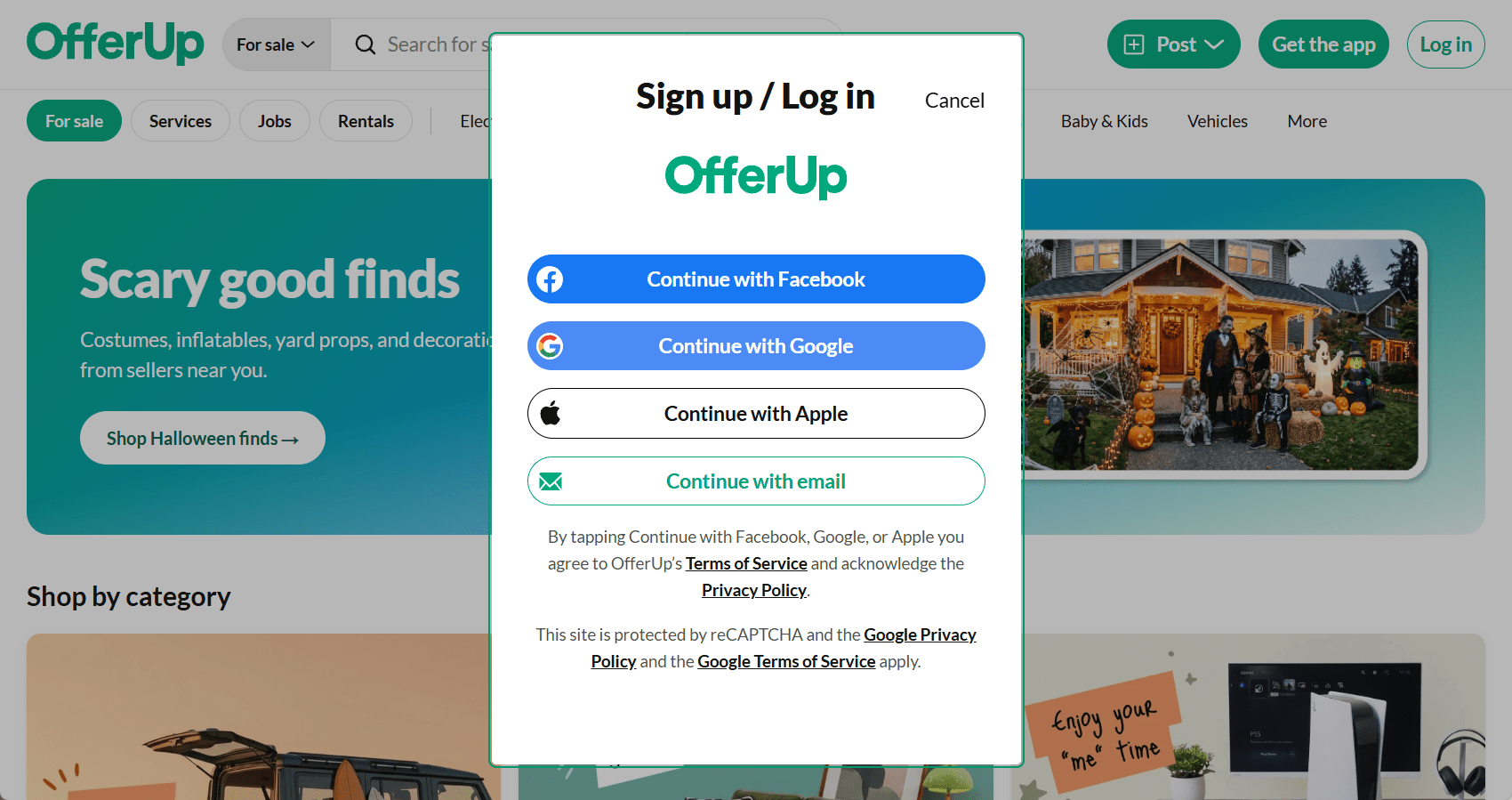
- Log in to OfferUp with Google, Apple, Facebook, or your email.
- After logging in, go back to Crosslist and click Recheck login. Your OfferUp account is now connected.
Common issues and fixes
OfferUp asks me to verify my mobile number
Add and verify your mobile number in your OfferUp account settings, then post again.
OfferUp asks for additional verification
Create one listing manually on OfferUp, on the same device you use Crosslist on, and complete the text message verification. Then post through Crosslist again.
OfferUp asks for TruYou verification
Some categories are only open to TruYou-verified sellers. In your OfferUp account settings, click Verify next to TruYou.
OfferUp asks for a payment to post more listings
You've used your free listings for this month. Wait until next month, or buy an OfferUp subscription to keep listing. See What happens when I reach my OfferUp listing limit?