

Appearance
WooCommerce
WooCommerce lets you configure your shipping methods in advance through your store's Shipping settings.
These determine how shipping is charged to buyers, such as flat rate shipping, free shipping, or carrier / live rates through plugins.
Before listing to WooCommerce through Crosslist, make sure your shipping zones, methods, and shipping classes are properly configured in WooCommerce.
You can find more info about shipping in WooCommerce here.
Crosslist sends your product listing to WooCommerce, while your store’s existing WooCommerce shipping setup handles the checkout shipping rates shown to buyers.
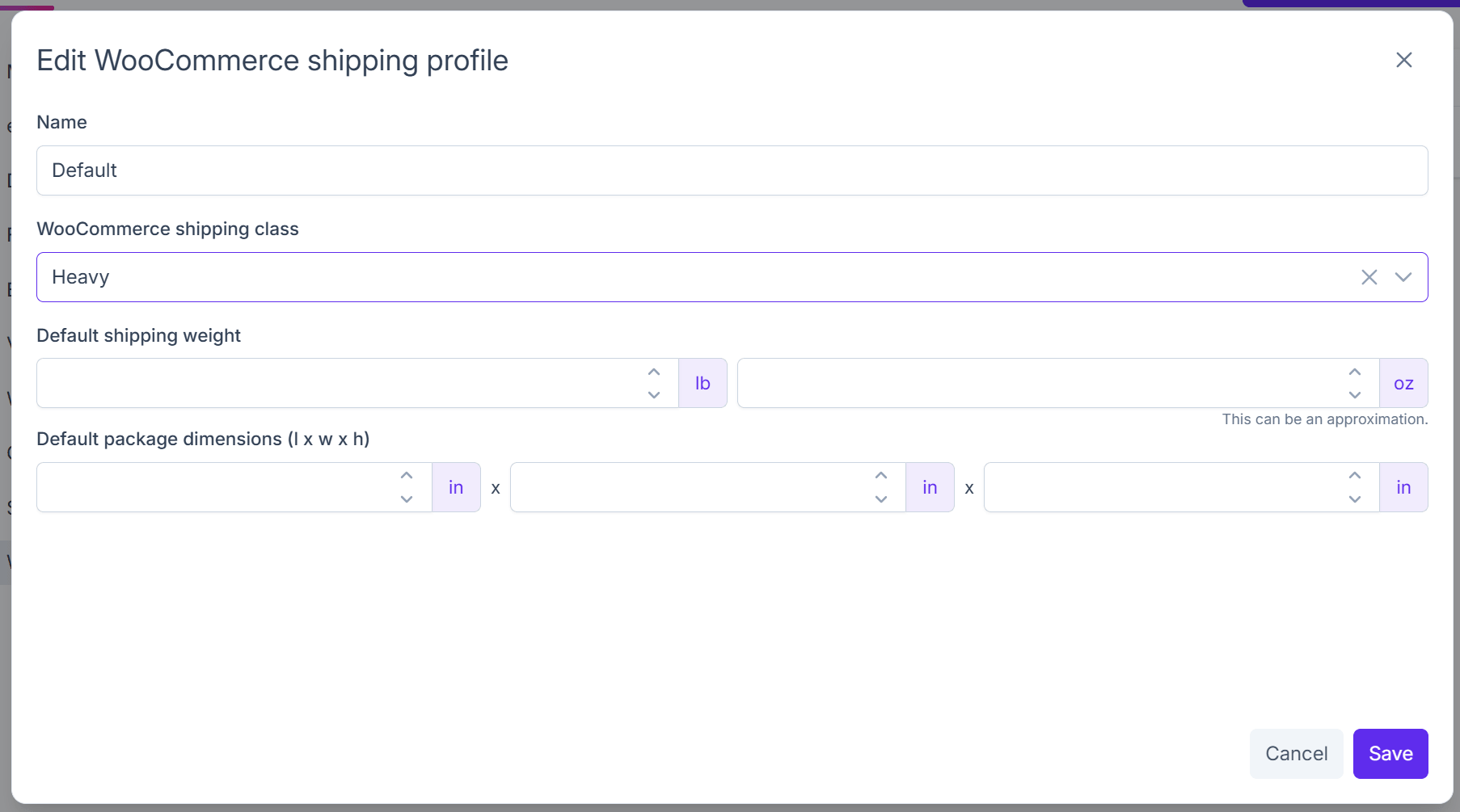
You can set default weight, dimensions, and Woocommerce shipping class in your Crosslist shipping profiles.
How shipping works with Crosslist
Crosslist does not create shipping rules inside WooCommerce.
Instead, WooCommerce uses your existing store configuration, including:
- Shipping zones
- Flat rate methods
- Free shipping rules
- Local pickup
- Live carrier rates (via supported plugins)
- Shipping classes
This means buyers will see the shipping options already configured in your WooCommerce store.
Shipping classes
If you use shipping classes in WooCommerce (for example bulky, heavy, fragile, or oversized items), you can select your WooCommerce shipping class directly in Crosslist.
Crosslist will assign that shipping class to the product when it is posted to WooCommerce.
Product weight and dimensions
If your WooCommerce shipping setup uses weight-based or size-based rates, you should enter the package weight and dimensions in the Crosslist listing form or shipping profile defaults.
This helps WooCommerce or your shipping plugin calculate accurate rates during checkout.
Flat rate or free shipping
If your WooCommerce store uses fixed shipping prices or free shipping rules, no extra shipping price needs to be entered in Crosslist.
WooCommerce will automatically apply the rates already configured in your store.
INFO
You can configure shipping directly in WooCommerce under:
WooCommerce → Settings → Shipping
This includes shipping zones, methods, shipping classes, free shipping thresholds, and pickup options.