

Appearance
Connecting Grailed
Crosslist connects to Grailed through the Crosslist Chrome extension on computer, or on mobile by logging in to your Grailed account.
WARNING
On mobile, logging in to Grailed with Google, Facebook or Apple is not supported. Log in with your email and password instead.
Don't have a password for Grailed yet? Set one first:
- Go to the Grailed sign-in page.
- Click Forgot your password? and enter the email address of your Grailed account.
- Open the email from Grailed and set a new password.
- Return to the Crosslist app and log in to Grailed with your email and new password.
Before you start
Before you can use Crosslist with Grailed, you need to verify your email and phone number.
To verify your account, create one listing manually on Grailed and follow the verification prompts. After that, you can post the rest of your inventory through Crosslist.
You also need a shipping and return address in your Grailed addresses, and a payout method in your Grailed payment settings. Using PayPal? Confirm the link from the email PayPal sends you.
On a computer, you also need the Crosslist Chrome extension installed. On mobile, you don't need it.
How to connect
- Go to Account > Marketplaces.
- Next to Grailed, click Log in to your Grailed account. The Grailed login page opens in a new tab.
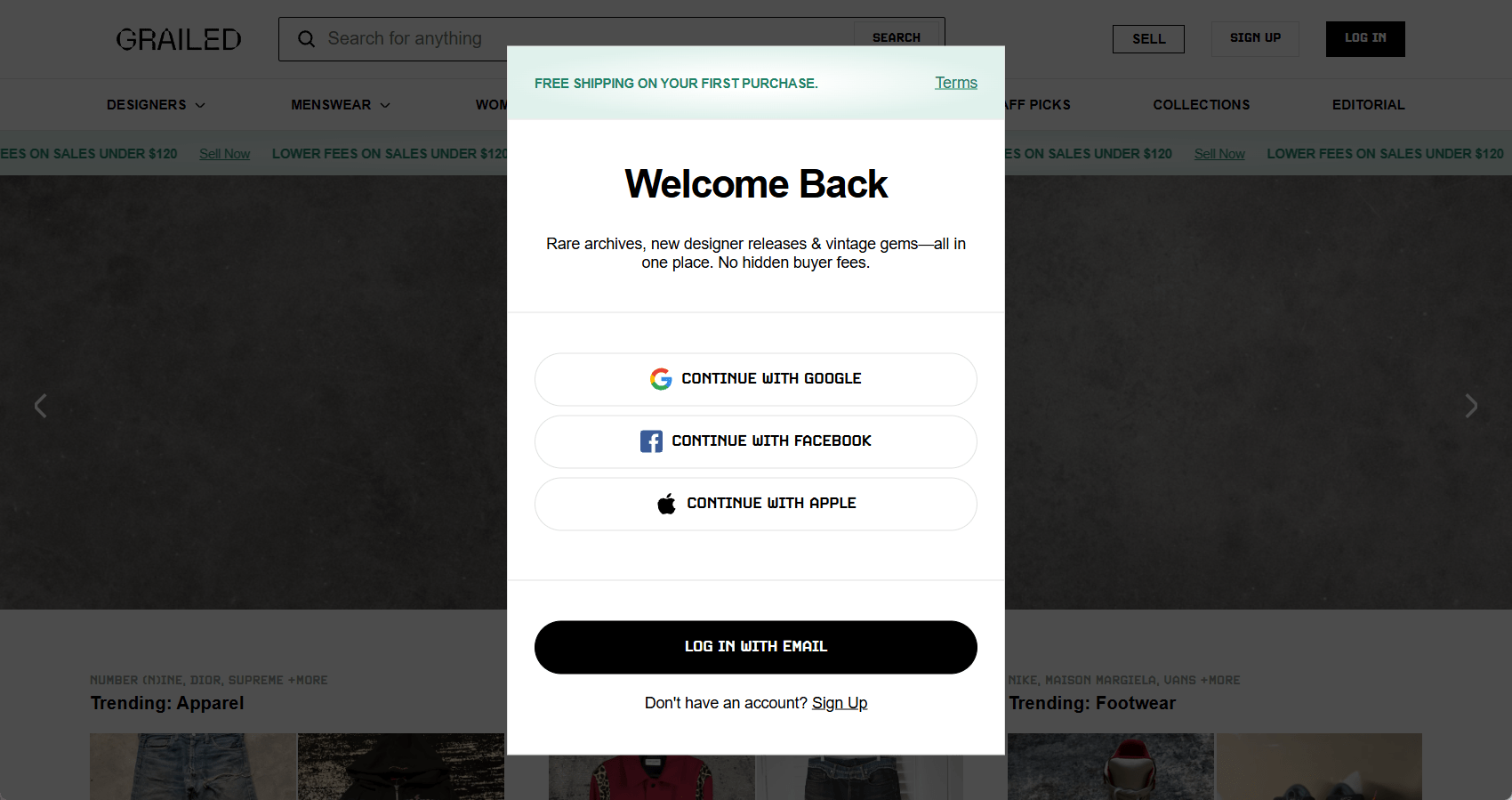
- Log in to Grailed with Google, Apple, Facebook, or your email.
- After logging in, go back to Crosslist and click Recheck login. Your Grailed account is now connected.
Common issues and fixes
Grailed asks me to verify my email or phone number
Grailed asks new sellers to verify their email and phone number while they create their first listing on Grailed itself.
Create one listing manually and verify your email and phone number in the pop-up. After that, you can post the rest of your inventory through Crosslist.
Grailed says my address is missing
Add both a shipping and a return address in your Grailed addresses, then post again.
Grailed has an issue with my PayPal account
Issues with your PayPal account: the linked account may be invalid. Link PayPal again in your Grailed payment settings.
PayPal not confirmed: open the confirmation email from PayPal and confirm the link. Then post again.