

Appearance
Connecting Facebook Marketplace
How Crosslist connects to Facebook Marketplace depends on where you sell:
- US sellers: through Facebook's official API. You log in to Facebook once and allow access. No Chrome extension needed.
- Sellers outside the US: through the Crosslist Chrome extension on computer, or on mobile by logging in to your Facebook account.
Before you start
You need a personal Facebook account with access to Marketplace. Business pages and secondary profiles can't sell on Marketplace.
To check your access, open Marketplace's create listing page. If you can create a listing there, your Marketplace access is active. New accounts sometimes only get access after a while.
Selling outside the US? On a computer, you also need the Crosslist Chrome extension.
INFO
Crosslist posts to Facebook Marketplace only. Facebook Shops (through Business Manager) is currently not supported.
How to connect
US sellers
- Go to Account > Marketplaces.
- Next to Facebook Marketplace, click Connect your Facebook account.
- Log in to Facebook with your personal account.
- You should now see the Facebook authorization screen.
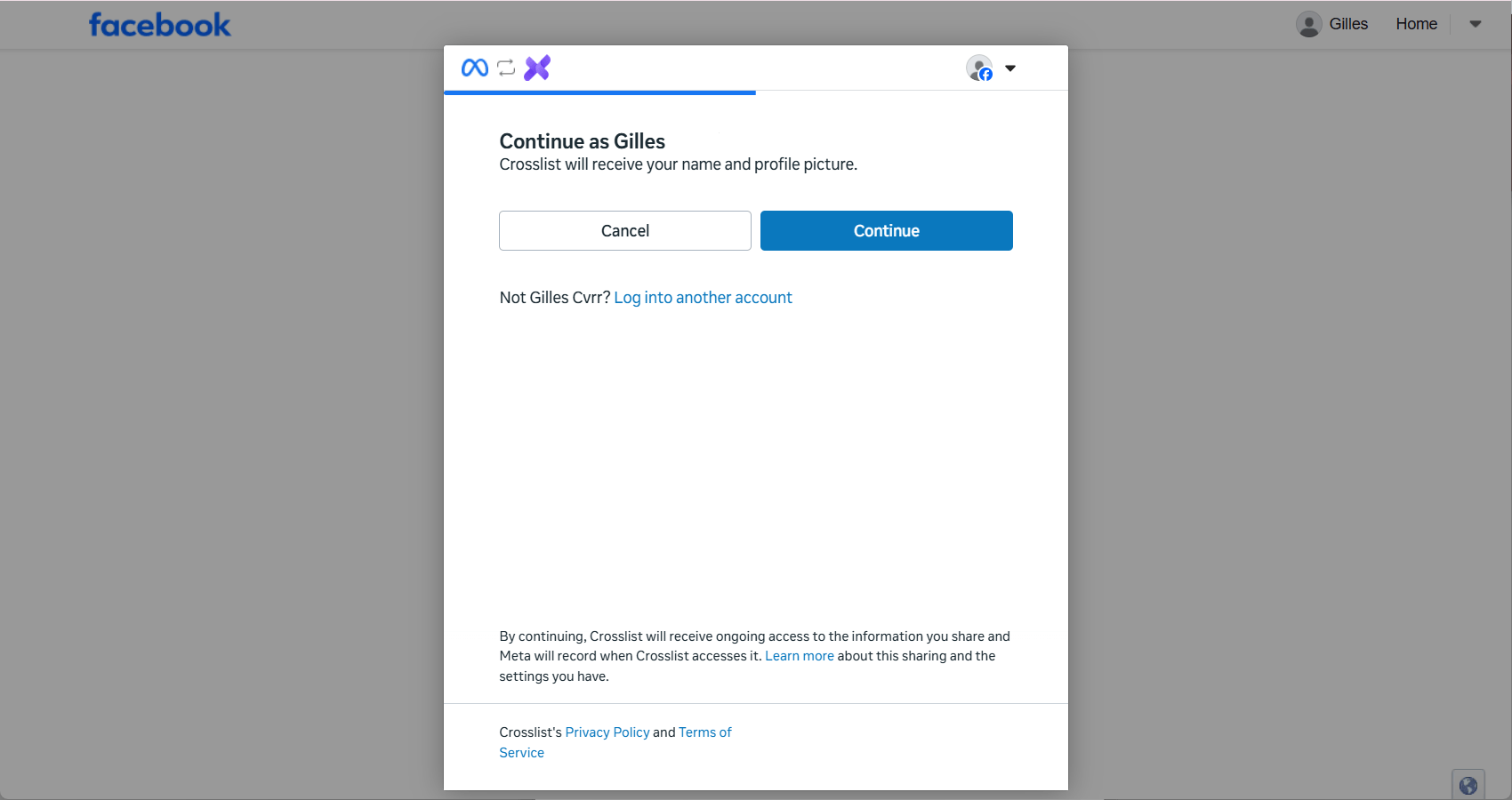
- Click Continue. Your Facebook account is now connected and you will be redirected to Crosslist automatically.
Sellers outside the US
- Go to Account > Marketplaces.
- Next to Facebook Marketplace, click Log in to your Facebook account. The Facebook login page opens in a new tab.
- Log in to Facebook with your personal account.
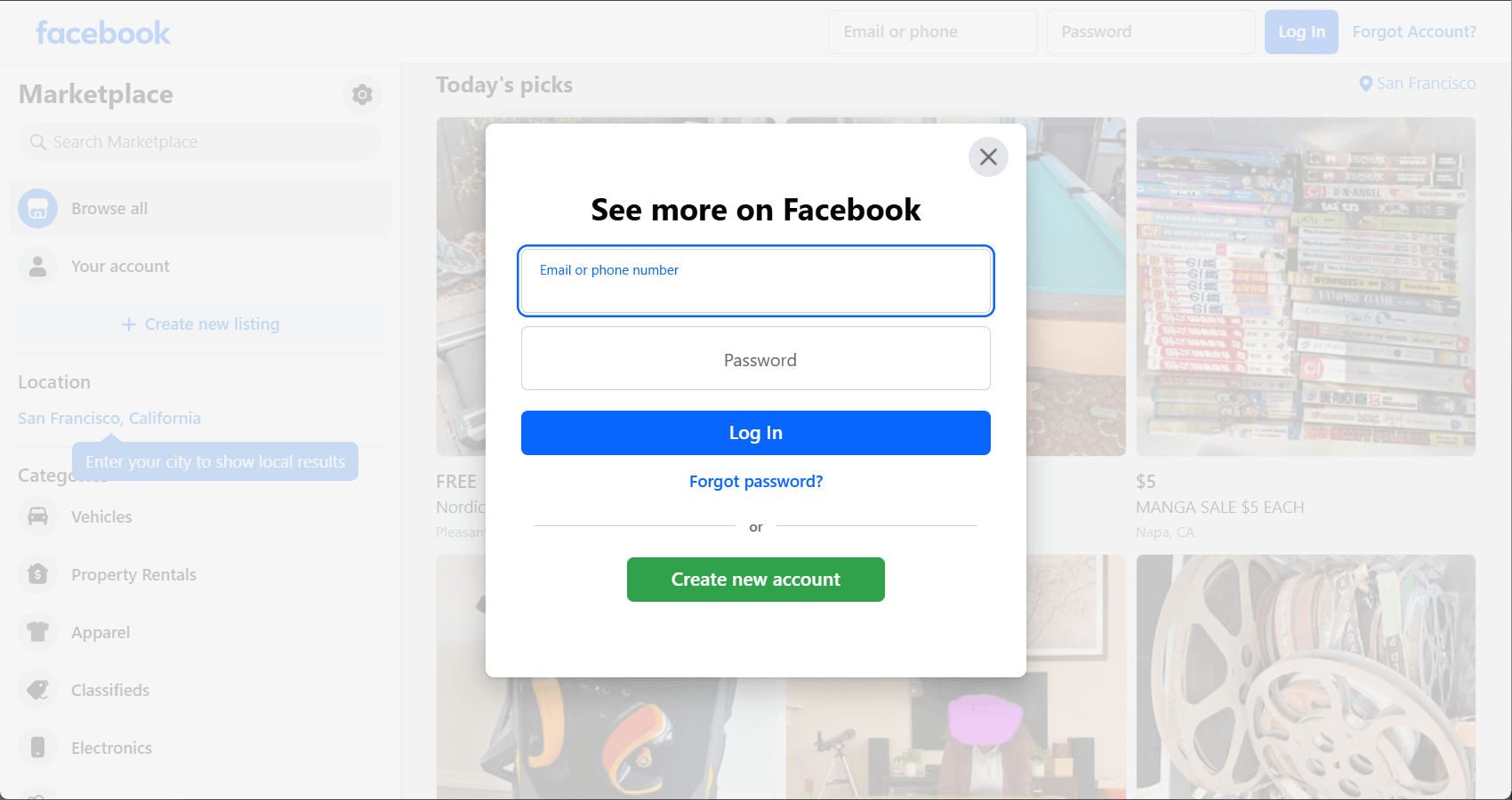
- After logging in, go back to Crosslist and click Recheck login. Your Facebook account is now connected.
Common issues and fixes
Facebook says my account isn't eligible (US sellers only)
Your account didn't pass Facebook's eligibility check. Click the message in Crosslist to see what Facebook needs, fix it, then post again.
The most common reasons are:
- You're using a business page or secondary profile instead of a personal Facebook account.
- Your account doesn't have Marketplace access yet. Check it by opening Marketplace's create listing page.
- Your Marketplace location is outside the US.
Facebook says my shipping setup isn't complete (US sellers only)
To use Facebook shipping labels, you first need to complete Facebook's shipping onboarding. Then post again.
Don't want to ship? Choose Only local pickup in your Crosslist shipping profile for Facebook instead. See local pickup for how it works.
Facebook shipping isn't available in my region (sellers outside the US)
Facebook shipping labels are only available in the US.
Elsewhere, choose Only local pickup in your Crosslist shipping profile for Facebook.